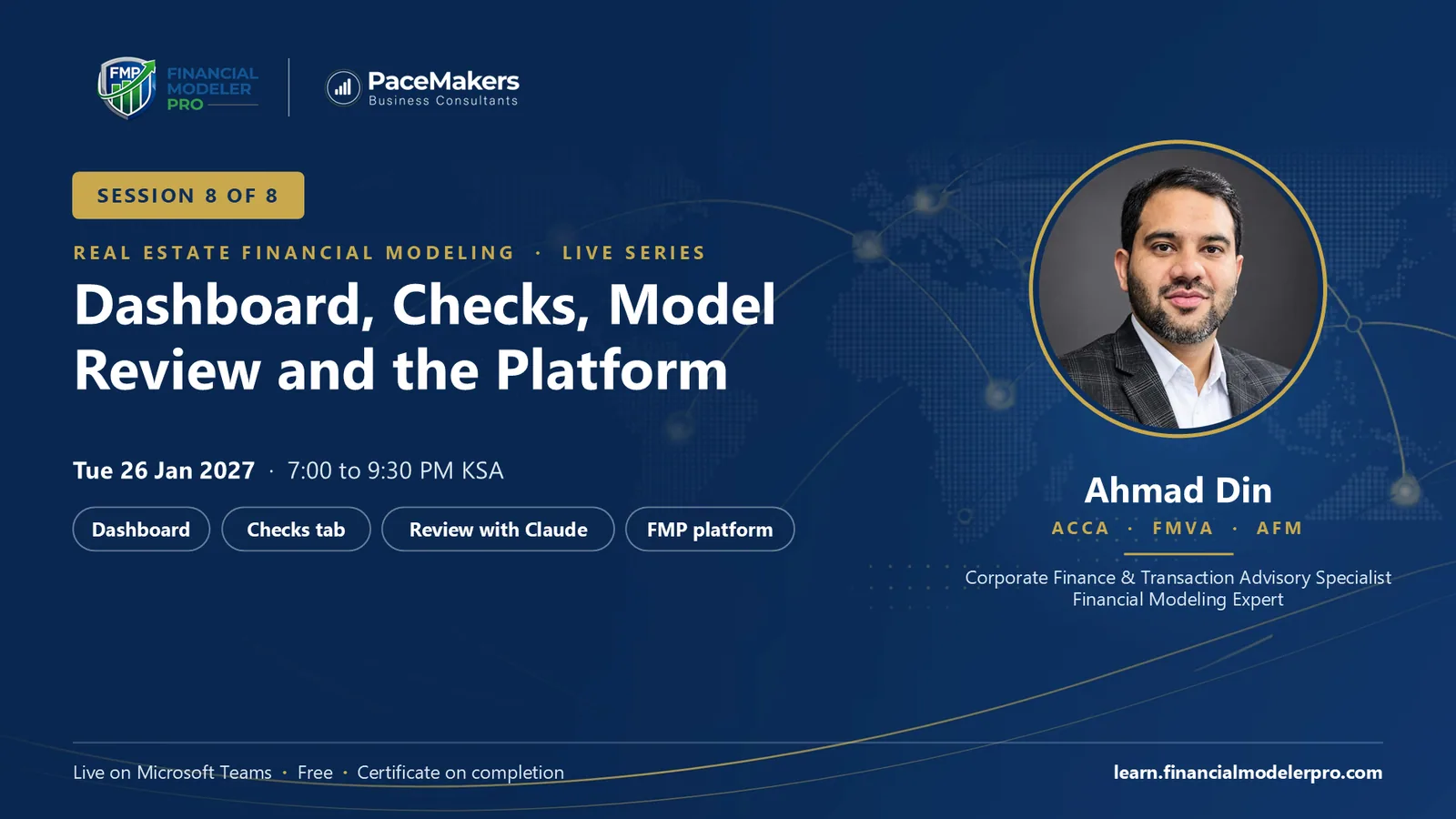
Session 8 of 8Upcoming
Dashboard, Checks, Model Review and the Platform
Tue 26 Jan, 7:00 PM KSA
See times in your region
| Saudi Arabia (Riyadh) | Tue 7:00 PM | |
| UAE (Dubai) | Tue 8:00 PM | |
| Pakistan (Karachi) | Tue 9:00 PM | |
| India (Kolkata) | Tue 9:30 PM | |
| Egypt (Cairo) | Tue 6:00 PM | |
| UK (London) | Tue 4:00 PM | |
| Central Europe (Paris) | Tue 5:00 PM | |
| US Eastern (New York) | Tue 11:00 AM | |
| US Pacific (Los Angeles) | Tue 8:00 AM | |
| Canada (Toronto) | Tue 11:00 AM | |
| Canada (Vancouver) | Tue 9:00 AM | |
| Australia (Perth) | Wed 12:00 AM | +1 day |
| Australia (Sydney) | Wed 3:00 AM | +1 day |
Can't attend live? Recordings count toward the certificate.
Overview
- Present the results on a one-page dashboard
- Prove the model works with a checks tab
- Review the model with Claude
- See the same case on Financial Modeler Pro, and how to get certified
What you will learn
Concepts
- What an investment committee reads first
- What a checks tab must cover
- Using AI as a reviewer, not as the author
- Stress testing a model
Hands-on in Excel
- Dashboard: returns, development, funding and charts, with every number linked
- Checks tab with one overall model status
- A Claude review: what to share, what to ask, and how to read the findings
- Confirming every finding in Excel, and running simple stress tests
Session flow
- Recap of Session 7
- The one-page dashboard
- The checks tab
- Build with Claude: a full model review
- Stress tests
- The same case on Financial Modeler Pro
- Model submission and the certificate
- Questions
What you will build
- Dashboard tab and checks tab
- A finished, checked and reviewed model, ready to submit for your certificate
Build with Claude
- Claude reviews the full model against the build rules
- The prompt lists the rules and what to check: hard-codes, links, consistency and the checks tab
- We confirm each finding in Excel before changing anything
Before the session
- Your model from Session 7, or the Session 7 files from your dashboard
- Excel on a laptop or desktop
- Join from your dashboard 15 minutes early
After the session
- Slides and the Claude prompt on your dashboard
- The recording, if you missed any part
- Your Session 8 certificate once you attend 75% live or watch the recording in full
- Submit your completed model from your dashboard for review and the course certificate
Materials
Materials are available to enrolled students after the session.